Why Is Google Not Indexing Your Website? Common Causes and Solutions

🔍 Why Google Does Not Index Web Pages and How to Fix It
A website can be online, accessible to visitors and still remain invisible in Google Search. Indexing problems may result from technical restrictions, duplicate content, weak internal linking or insufficient page quality. Identifying the exact reason is essential because submitting the same URL repeatedly rarely solves the underlying issue.
🧭 How Google Discovers, Crawls and Indexes Website Content
Before a page appears in search results, Google must first discover its URL, crawl its resources and decide whether the content deserves inclusion in the index.
Passing a technical test does not guarantee indexing because Google also evaluates canonical signals, content usefulness and the wider quality of the website. The URL Inspection tool shows what Google knows about a particular page, while the Page Indexing report helps uncover site-wide patterns. The following causes explain most indexing problems and provide practical steps for resolving them.
🚧 Robots.txt, Noindex Tags and Server Access Problems
Googlebot cannot index a URL it is not allowed to crawl or retrieve correctly. Check robots.txt for an accidental Disallow rule, then inspect the page source for a robots meta tag and the response headers for X-Robots-Tag: noindex. Remove unwanted blocks, confirm that the URL returns HTTP 200, and retest it with URL Inspection.
Login walls, firewall rules, bot protection, DNS faults and repeated server errors can also prevent access. A page that returns 401, 403, 404, a soft 404 or persistent 5xx responses is unlikely to be indexed as intended. Review server logs, test the exact URL as Googlebot, and ensure important resources render without blocked scripts or styles.
🔗 Incorrect Canonical Tags and Duplicate URL Versions
Google may discover a page yet treat another URL as the representative version. This often happens when rel=”canonical” points elsewhere, redirects conflict, or near-identical pages exist under parameters, categories, protocols or language paths. Compare the user-declared and Google-selected canonical in Search Console, then align all signals.
Use one clean, indexable URL for each distinct page and reference it consistently in internal links, XML sitemaps, redirects and canonical tags. Multilingual sites should also use reciprocal hreflang annotations and self-referencing canonicals where appropriate. Do not canonicalize a translated page to the English original if it contains genuinely localized content.
📝 Thin, Repetitive or Insufficiently Valuable Content
A URL can be crawlable and technically indexable but still fail Google’s selection process. Thin pages, copied descriptions, doorway-style location variants, empty tag archives and mass-produced translations with little local value may add too little to the index. Improve the page with original facts, clear purpose, expert context and information that satisfies a specific query.
Similarity alone does not automatically produce a penalty, yet Google normally chooses only one representative from duplicate or near-duplicate pages. Merge overlapping articles that target the same intent, expand pages that deserve separate URLs, and remove obsolete low-value entries. For translations, localize names, examples, sources and search intent instead of changing only the language.
🕸️ Weak Internal Linking and Incomplete XML Sitemaps
Orphan pages are difficult for crawlers and users to reach, even when they appear in an XML sitemap. Link each important URL from relevant hubs, categories and contextual article sections using descriptive anchor text. Keep navigation logical, limit unnecessary crawl paths, and avoid relying only on JavaScript interactions or internal search forms to reveal essential content.
Submit an accurate XML sitemap containing canonical URLs that return 200 and are meant for search. Remove redirects, deleted pages, noindex URLs and duplicates, and update lastmod only when the primary content changes significantly. A sitemap supports discovery but does not guarantee indexing, so combine it with meaningful internal links and stable server performance.
🛠️ Diagnosing Indexing Errors in Google Search Console
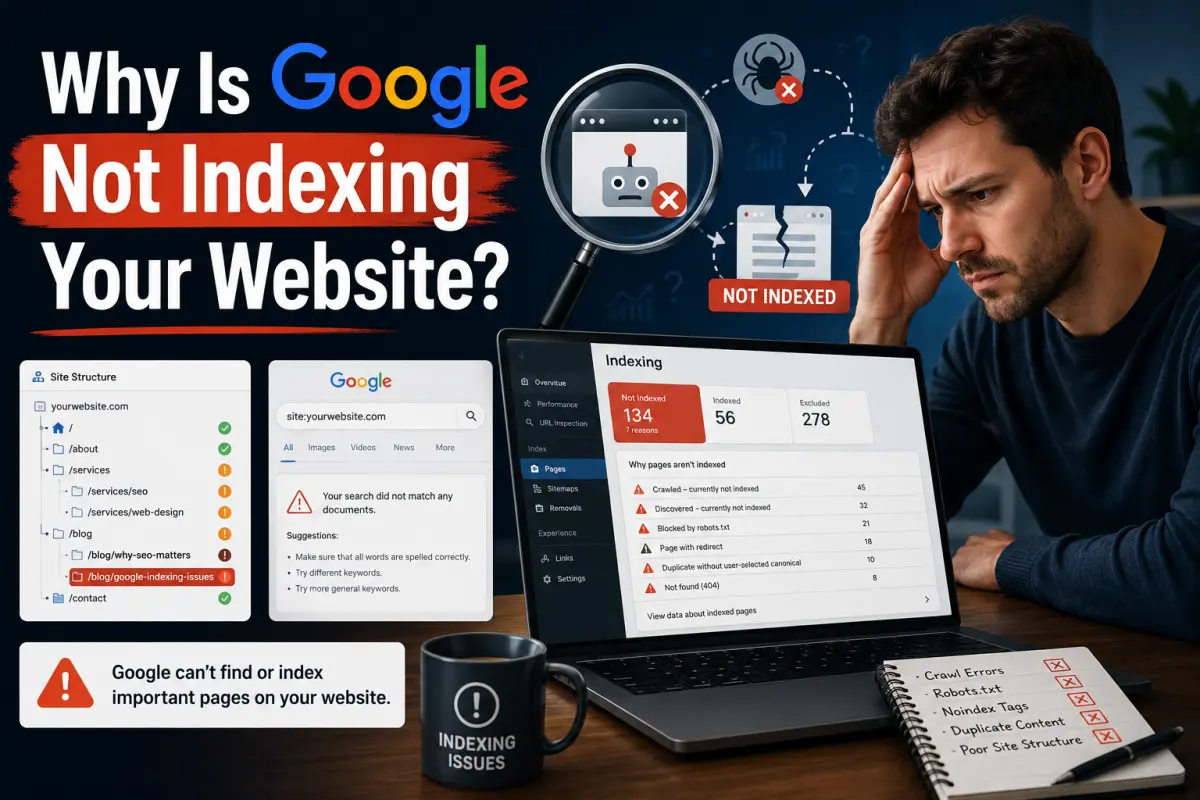
Open URL Inspection in Google Search Console and compare the indexed result with a live test. Review discovery, last crawl, crawl allowance, fetch result, indexing permission, rendered HTML and the Google-selected canonical. The Page Indexing report can reveal whether the broader pattern is “Discovered – currently not indexed,” “Crawled – currently not indexed,” or a technical exclusion.
After fixing the underlying cause, run a live test and request indexing for a small number of priority URLs. Do not repeatedly submit an unchanged page, because a request neither guarantees inclusion nor accelerates every case. Monitor server logs, Page Indexing data and search impressions while Google recrawls the site; meaningful changes may take time to be reassessed.
Google indexing problems are usually solved by correcting technical access, consolidating duplicate URLs and strengthening the usefulness of individual pages.
Search Console should guide the investigation, but its status messages must be interpreted alongside canonical tags, internal links, server responses and actual content quality.
Once the root cause is removed, maintain a clean site structure and allow Google enough time to crawl and reevaluate the improved pages.